switch_demo
The switch_demo application is a minimal-functionality application demo provided by the Tuya AI + IoT platform. It is a simple, cross-platform, cross-OS switch example that supports multiple connections. Using the Tuya app and Tuya's cloud services, you can control the switch remotely (when away from home), over the LAN (on the same LAN), and via Bluetooth (when no network is available).
switch_demo demonstrates the following features:
- Supports Bluetooth pairing.
- Supports pairing in Wi-Fi access point (AP) mode.
- Receives MQTT control data from the cloud and automatically replies.
- Receives LAN TCP control data from the app and automatically replies.
- Supports the over-the-air (OTA) update feature.
Currently, switch_demo does not control physical hardware and can run on all supported platforms.
Before using switch_demo, you need to understand the following terms:
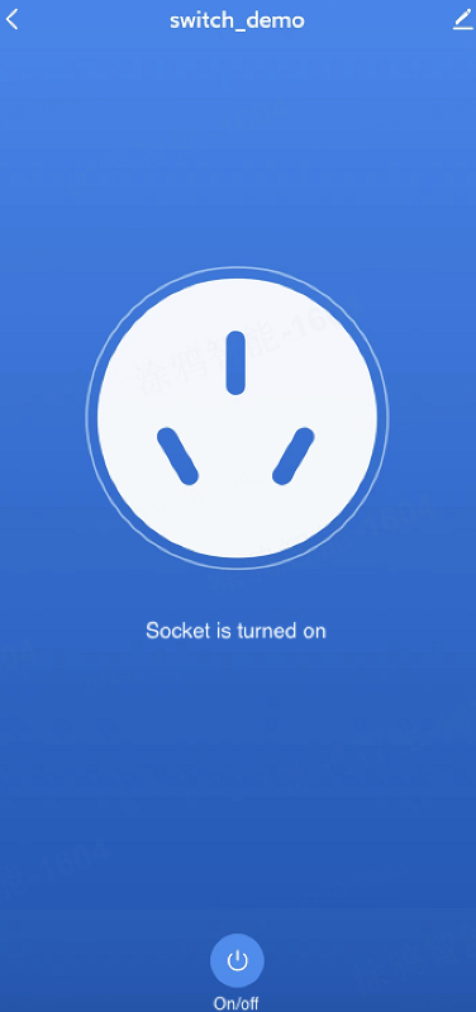
Default app control panel
Directory
+- switch_demo
    +- src
        -- cli_cmd.c
        -- tuya_main.c
        -- tuya_config.h
    -- CMakeLists.txt
    -- README_CN.md
    -- README.md
cli_cmd.c: Command-line operations for viewing and operatingswitch_demoinformation and status.tuya_main.c: Core functionalities ofswitch_demo.tuya_config.h: Tuya PID and authorization information, obtained from the Tuya Developer Platform. For more information, see TuyaOS > Create Product.
Hardware support
This project can run on all currently supported chips and development boards.
Build the project
- Run
tos.py config choiceto select your development board or platform. - To change the configuration first, run
tos.py config menu. - Run
tos.py buildto build the project, thentos.py flashto flash it.
To bind the device to the cloud, give it a PID and a license first — see How device–cloud binding works and Create your product & agent.