Settings
This page is the complete reference for the Settings page: the update center, appearance and language, diagnostics and logs, serial logs, about, and how settings persist.
Update center
- Installed build — the current version.
- Check for updates — desktop (Tauri) only; opens the Update dialog and is not bound by the interval.
- Auto-check interval — silently checks on startup and only fires once the interval has elapsed. Options:
Off/1h/6h/12h/24h.
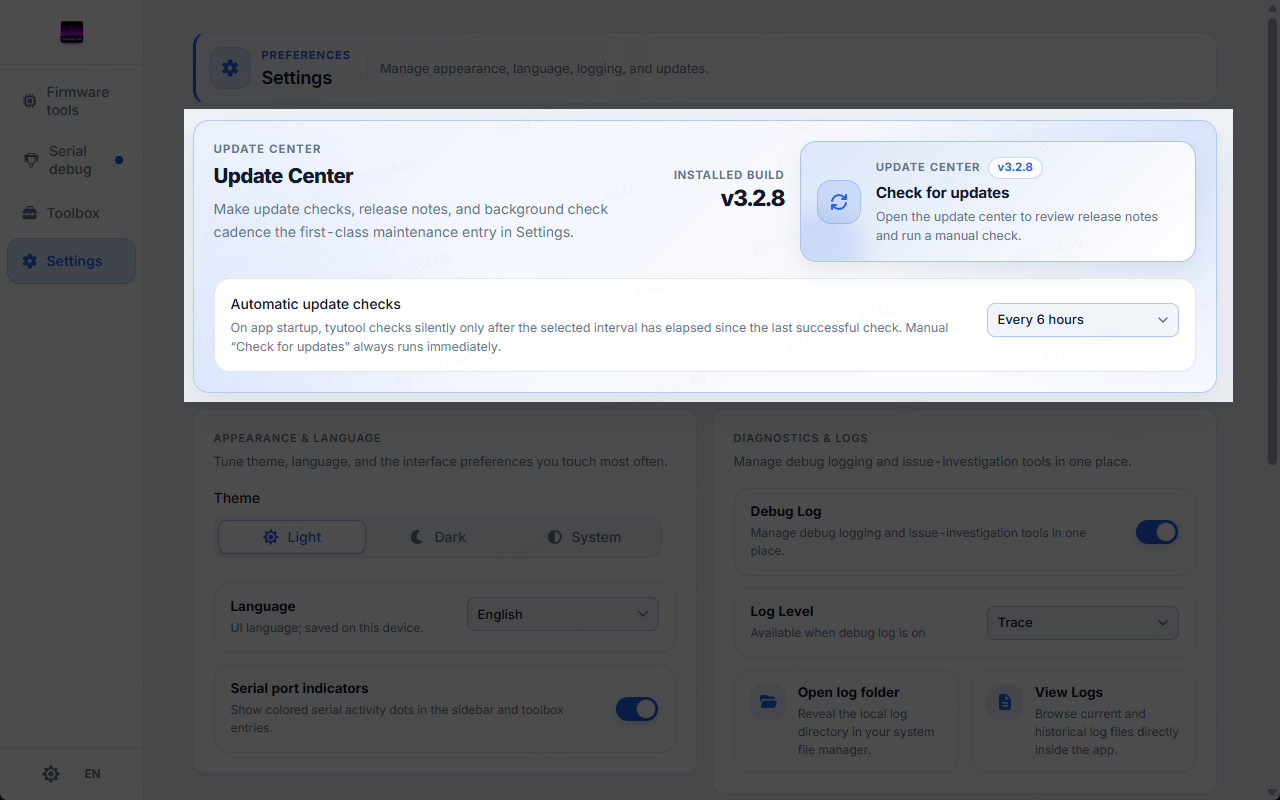
Update center — installed version, check-for-updates, auto-check interval.
The web build has no auto-update (it depends on the Tauri updater plugin).
Appearance and language
- Theme —
Light/Dark/System(applies immediately; System follows the OS). - Language —
Auto/简体中文/English(Auto: uses Chinese for azh-prefixed locale). - Serial indicator toggle.
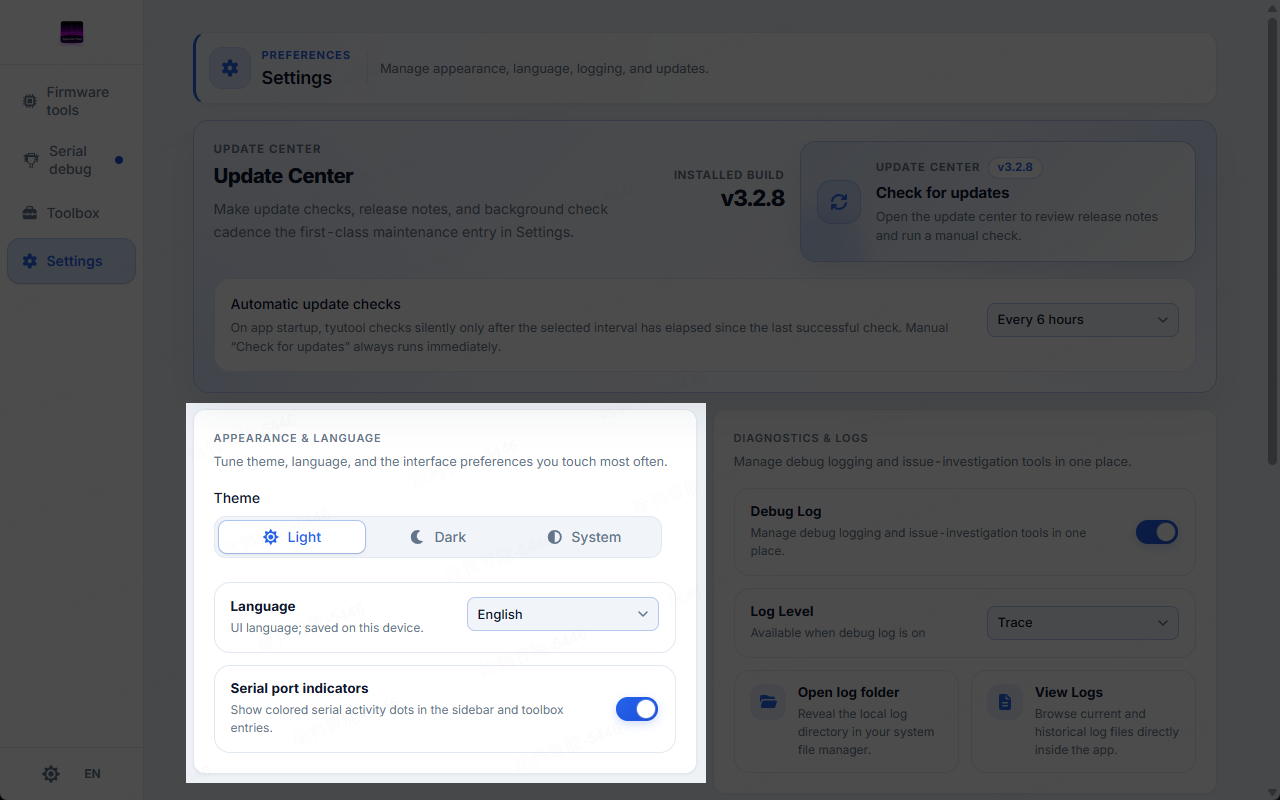
Appearance and language — theme, language, serial-indicator toggle.
Advanced UART parameters live on the Serial Debug page (see Serial Debug).
Diagnostics and logs
- Debug log toggle — the master switch; when off, the backend log level is set to
off. - Log level — Error / Warn / Info / Debug / Trace, applied to the Rust backend via
log::set_max_level. - Open log folder.
- View logs — opens the Log Viewer dialog.
- Export logs and report a problem — zips logs and opens a pre-filled GitHub issue (version/OS included); desktop only.
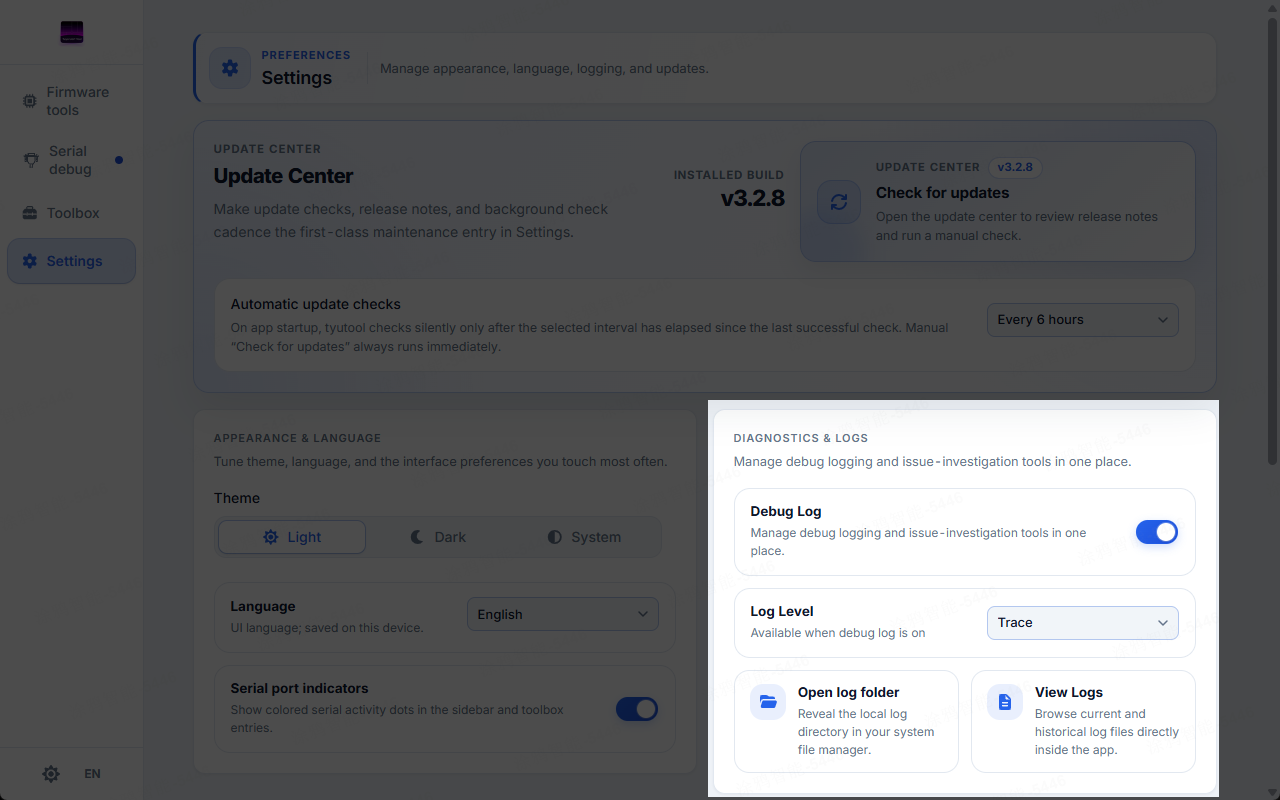
Diagnostics and logs — log toggle, level, open/view/export actions.
How log files land
Logs are written by tauri-plugin-log. Each session is named tyutool-<timestamp>.log; a file rolls over at 10 MB into -1.log, -2.log, and old files are cleaned up on startup. Log directories:
- Linux:
~/.local/share/tyutool/ - macOS:
~/Library/Application Support/tyutool/ - Windows:
%APPDATA%\tyutool\
The level applies to the Rust backend.
Serial logs
A mirror entry for Serial Debug's auto-save: the auto-save toggle, save directory, and timestamp format.
This is the same store as the Serial Debug page.
About
- Application version.
- Open-source license — opens the LICENSE page.
Persistence
- Desktop writes
settings.json(tauri-plugin-store). - Web writes to
localStorage. - The theme is applied to the DOM (System mode watches the OS color scheme).
On desktop, the settings.json key names correspond one-to-one with the web localStorage keys.