Arduino IDE for ESP32: Configuration, Board Options, and Troubleshooting
Getting the ESP32 to blink in the Arduino IDE is the easy part. The part that separates a project that works from one that mysteriously fails is the configuration underneath — the board options most people never open, the partition scheme that silently determines how much memory your sketch can use, the upload speed that either works or times out, and the board package version that can change behaviour between two projects on the same computer. The Arduino environment hides an enormous amount of complexity, and every so often it hides something you needed to see. The official reference for these details is the Arduino ESP32 core documentation, and the general IDE behaviour is covered in the Arduino documentation.
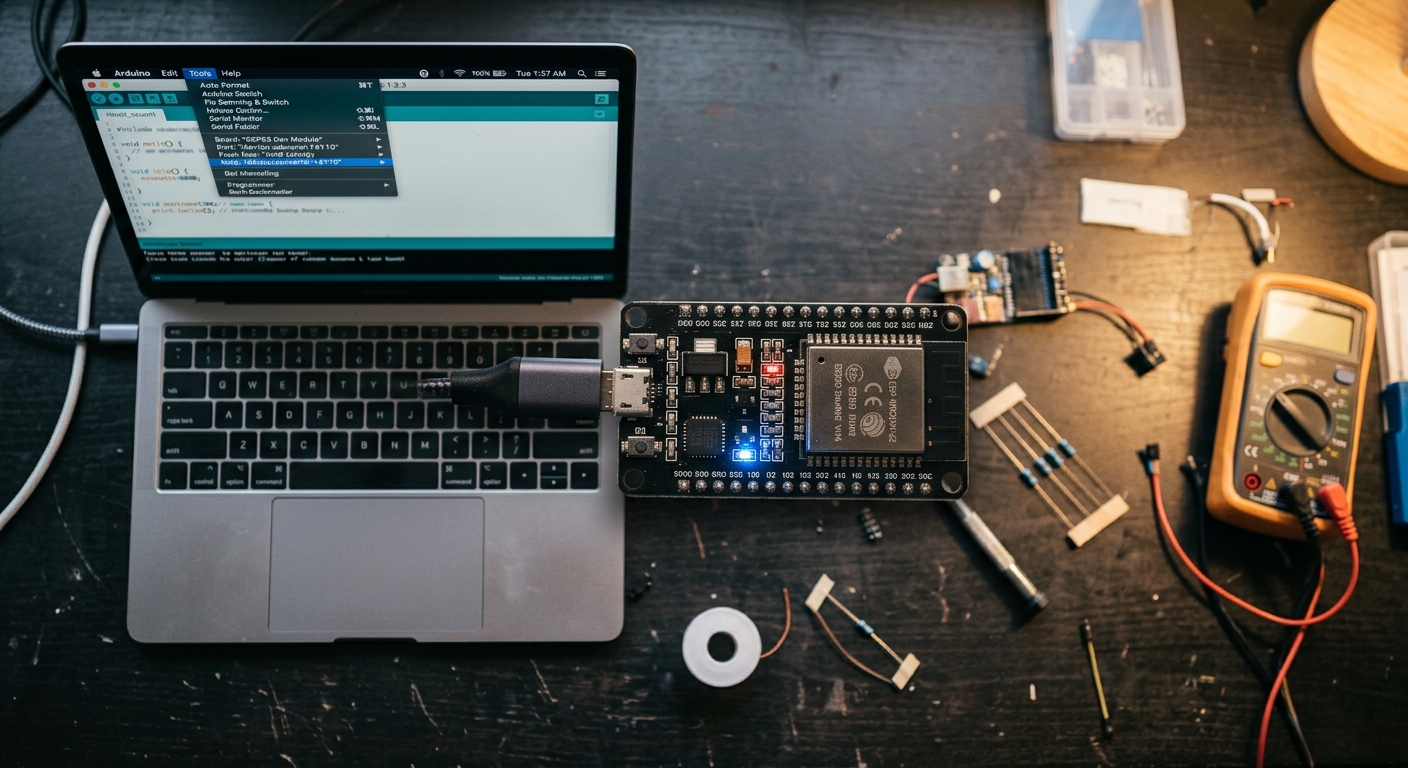
This matters more than it sounds because the ESP32 is not a simple board. It has multiple cores, several memory regions, optional PSRAM, and a flash layout that you can reshape — and the ESP-IDF programming guide is the reference for how all of it fits together. The Arduino IDE exposes those choices as a row of drop-down menus that most people leave at their defaults — and the defaults are usually fine, right up until the moment they are not. A sketch that overflows, an OTA update that fails because the partition is too small, a board that uploads at one speed and not another: these are all configuration problems, not code problems.
This guide walks through the settings that matter, explains what each one does, and gives you a troubleshooting framework for when an upload or a build fails. It assumes you have already completed the basic setup — if you have not, our ESP32 with Arduino IDE walkthrough covers the installation from scratch. It also covers the point at which the Arduino IDE stops being the right tool and a purpose-built environment takes over.
The Board Options, Explained One by One
Open Tools with an ESP32 board selected and you will see a column of settings that most tutorials skip. Each one does something real.
Board. The base selection, which sets the chip, the flash mapping, and the pin numbering. Getting this wrong produces uploads that succeed and code that does not run.
Upload Speed. The baud rate used to transfer the binary. Higher is faster when it works and fails when the USB-to-UART bridge or cable is marginal. If uploads time out, dropping to a lower speed is the first and most effective fix.
Flash Frequency and Flash Mode. Set how the external flash is accessed. The defaults suit almost every board; change them only if the board's documentation says to.
Flash Size. Declares how much flash the module actually has. Most ESP32 modules carry 4 MB, but S3 boards and newer modules may have more. Declaring less than you have wastes space; declaring more causes failures.
Partition Scheme. The single most important option most people never touch. It decides how the flash is divided between your application, the OTA update area, and any file system. This is where OTA updates succeed or fail, and where a "sketch too large" error often originates. Older ESP32 cores offered a couple of schemes; modern ones offer many, including variants with larger app space, dual OTA slots, and SPIFFS or LittleFS partitions.
CPU Frequency. The clock speed of the processor. Higher is faster and draws more power; lower is thriftier. On a battery device, this is a real tuning knob.
Core Debug Level. Controls how much diagnostic output the core prints. Turning it up is invaluable when something fails during startup and invisible the rest of the time.
PSRAM. On boards that include it, this enables the extra memory. If your board has PSRAM but the option is off, large buffers will fail in ways that look like code bugs. Confirm whether your module includes PSRAM before setting this.
Erase All Flash Before Sketch Upload. Wipes stored data as well as the application — useful when you want a truly clean state, and disruptive when you meant to keep Wi-Fi credentials.
The practical advice is to leave defaults alone until you have a reason to change them, then change one thing at a time and note why.
A toolchain that configures itself
If managing board options is not the work you want to do, TuyaOpen's IDE handles the setup so you can focus on the application. Explore the TuyaOpen IDE →
Partition Schemes: Where OTA Lives or Dies
The partition scheme deserves its own section because it causes consequences that are hard to trace back to a drop-down menu.
Flash on an ESP32 is divided into named regions: the bootloader, the partition table, one or two application slots, an NVS area for stored settings, and optionally a file system. The partition scheme decides how much space each region gets. The consequences:
- One app slot, no OTA. The simplest scheme gives all the application space to a single slot. Your sketch has the most room, but you cannot update over the air, because OTA needs a second slot to write the new firmware into before switching.
- Two app slots, OTA capable. The standard production choice. Each slot is smaller, but the device can update itself. If your sketch is large, you may need a variant with a bigger app partition.
- Adding a file system. If your project stores files — assets, logs, certificates — you need a scheme with a SPIFFS or LittleFS partition. Choosing one without a file system and then trying to write files is a classic beginner trap.
The rule is simple: decide early whether the device must update over the air, and whether it stores files, then pick the scheme that supports both before you fill the app slot. Retrofitting OTA is far more painful than designing for it.
Build OTA in from the start
TuyaOpen treats over-the-air updates as a standard capability rather than an add-on, so you do not have to hand-tune partitions. Learn about the TuyaOpen SDK →
Managing Board Package Versions
The ESP32 Arduino core is updated regularly, and different versions behave differently. That is a feature and a hazard.
If two of your projects were built against different core versions, they can behave inconsistently on the same machine — one compiles, the other throws an error that made no sense last week. When you upgrade the core, some library APIs change and some sketches need small edits. This is normal and worth understanding rather than avoiding.
Three habits keep version drift manageable:
- Note the core version in your project's readme. When you return to a sketch in six months, knowing which version built it saves an afternoon.
- Upgrade deliberately, not accidentally. A core update mid-project is rarely what you want. Finish the project, then upgrade.
- Keep a known-good board package. If a new version breaks a project you depend on, being able to roll back is worth more than any new feature.
For teams, this is one of the clearest arguments for a managed platform: pinning a known-good toolchain removes a whole category of mysterious failures.
Debugging Uploads and Builds
When something fails, the error message rarely points at the cause. A short decision tree covers most cases.
"Failed to connect" or a timeout during upload. Drop the upload speed, confirm the port, and manually enter bootloader mode by holding the BOOT button. Verify the board is not being reset by a peripheral on a strapping pin.
"Sketch too large." The partition scheme's app slot is too small. Choose a scheme with more application space, or trim the sketch and its libraries.
A weird compile error after an update. A core or library version changed. Roll back the version or update the code to match.
Upload succeeds, device does nothing. Wrong board selected, or the sketch targets a pin that does not exist on your hardware. Re-check those two before digging deeper.
Random crashes or resets at runtime. Suspect power before code — a marginal supply or a current-hungry peripheral is the usual cause. Our board selection guide covers the hardware side.
Turning on verbose output during compilation and upload is the single highest-value setting change for debugging; without it, these messages are far less informative.
Arduino IDE vs. ESP-IDF vs. TuyaOpen IDE
Choosing an environment is a decision about how much control you need and how much plumbing you are willing to write.
Arduino IDE. Fastest to start, huge library ecosystem, shallow learning curve. It hides the ESP32's dual-core and RTOS capabilities and offers limited debugging. Ideal for learning, simple projects, and quick prototypes.
ESP-IDF. Espressif's official framework, with full access to the chip — tasks, memory, timing, and every peripheral. It is the right tool when you need control, and it demands more setup and knowledge than the Arduino IDE.
TuyaOpen IDE and Platform. A full-stack development environment and open-source platform for connected products. The IDE provides AI-assisted coding and unified firmware-cloud-app workflow, while the TuyaOpen SDK adds cloud provisioning, OTA updates, a hardware abstraction layer that spans chips, and AI integration. It complements both — offering a more streamlined path to product-ready features than assembling ESP-IDF with custom cloud code, while supporting a broader scope than the Arduino IDE alone.
The pragmatic path for many developers is to prototype in the Arduino IDE and move to TuyaOpen when the project's requirements shift from "make it work" to "ship it." The TuyaOpen documentation explains what that transition involves, and the quick-start makes it concrete.
Compare environments before you commit
See how a product-focused IDE differs from a sketch-based one. Explore the TuyaOpen IDE →
A Configuration Checklist Before You Ship
Before a project leaves your desk, walk through the settings that matter.
- Partition scheme supports OTA and any file system you use.
- Flash size matches the actual module.
- Upload speed is one you have verified on your hardware.
- PSRAM is enabled if your board has it and your code needs it.
- Core version is noted and reproducible.
- Credentials are not hard-coded into the sketch.
- The device has been tested in its real enclosure, not just on the bench.
Each item takes a minute and prevents a class of failure that would otherwise cost hours later.
What About PlatformIO?
PlatformIO is the alternative most ESP32 developers encounter, and it solves several of the Arduino IDE's limitations without abandoning the Arduino framework. It runs inside Visual Studio Code, manages board packages and library versions per project, and gives you a real project structure with dependencies declared in a file rather than clicked through menus.
Three of its features matter specifically for ESP32 work:
- Per-project dependency pinning. Each project declares the exact core and library versions it needs, which eliminates the version-drift problems described above — a project that worked last year builds the same way next year.
- A proper project structure. Source files, headers, and configuration live in a predictable layout, which makes multi-file projects and version control far more pleasant than a single
.inofile. - Better tooling. Serial monitoring, build configuration, and integration with debuggers are all more capable than the Arduino IDE's equivalents.
The trade-off is setup: PlatformIO assumes more familiarity than the Arduino IDE and gives you more rope to hang yourself with. If you are comfortable in an IDE with a build system, it is a genuine step up. If you are still learning the basics, the Arduino IDE remains the gentler start — and there is no shame in moving later. For projects that are heading toward a product, an environment that manages the whole stack, like the TuyaOpen IDE, may be a better destination than either.
Structuring a Project That Will Grow
The Arduino IDE's default model — one file containing everything — works beautifully for a sketch and poorly for a project. A little structure early saves a refactor later.
- Split by responsibility. Put sensor reading, networking, and device logic in separate files. The Arduino IDE compiles multiple
.inofiles in a sketch folder, and you can add plain.hand.cppfiles alongside them. - Keep configuration in one place. Pins, credentials, and tunable values belong in a single header, not scattered through the code. When you move to a different board, you change one file.
- Separate hardware from logic. Code that reads a sensor should not care which GPIO it is on. This separation is exactly what a hardware abstraction layer formalises, and it is what lets application logic move between an ESP32-S3 and an ESP32-C3 later.
- Version control from the first commit. Even a hobby project benefits from being able to see what changed and roll back.
- Document the board package version. As covered above, it is the setting you will most wish you had written down.
None of this requires leaving the Arduino IDE, and all of it makes the eventual migration to a product-grade environment — TuyaOpen or otherwise — closer to a rename than a rewrite.
Structure now, migrate painlessly later
A clean project layout makes the move to a full SDK straightforward. See how TuyaOpen organises hardware and cloud →
FAQ: Arduino IDE for ESP32
Which partition scheme should I use?
A scheme with two application slots if the device needs OTA updates, and one that includes a file system if your project stores files. Decide before you fill the app slot.
Why does my ESP32 upload keep failing?
Usually the upload speed, the port, or a board that needs manual bootloader entry. Lower the speed, confirm the port, and hold the BOOT button during upload.
Should I update the ESP32 board package?
Deliberately, and not mid-project. Note the version you built with so you can reproduce it, and roll back if an update breaks something you rely on.
What is PSRAM and do I need it?
Extra working memory present on some boards. Enable it if your board has it and you handle audio, images, or large buffers; otherwise leave it off.
When should I consider moving beyond the Arduino IDE?
When your project needs low-level control, deeper debugging, or product features like cloud connectivity, OTA, and multi-board support. At that point, the TuyaOpen platform and ESP-IDF offer more capable environments.
Final Thoughts
The Arduino IDE for the ESP32 is easy to start and easy to misconfigure, and the difference shows up in failures that look like code bugs but are not. Learn what the board options do, treat the partition scheme as a design decision rather than a default, manage your board package version deliberately, and you will spend your time building rather than debugging the environment.
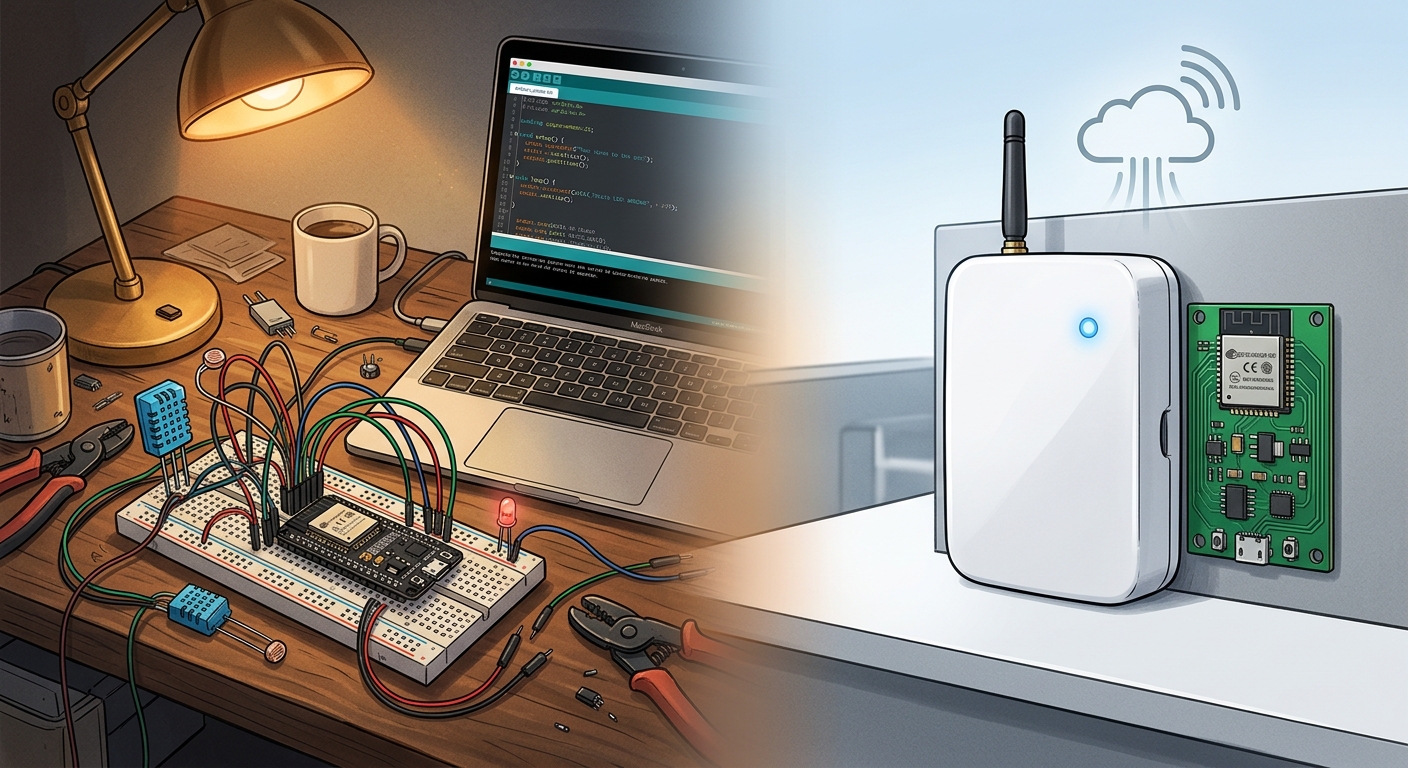
And when the project grows beyond a prototype, evaluating whether your toolchain supports your full requirements — cloud, OTA, multi-board abstraction — is worth the time. A platform like TuyaOpen is designed to keep the workflow approachable while adding those production capabilities. Explore the TuyaOpen IDE →