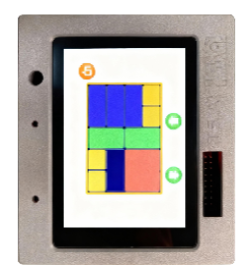
Learn TuyaOpen — Tutorials, Projects & Courses
Tutorials, projects, and courses to learn TuyaOpen — from your first ESP32 sketch to shipping an AI-powered device. Start learning today.
Quick start
Both tracks cover the same ground, environment setup through to a paired device. They differ in method: a graphical workflow, or the command line.
TuyaOpen IDE
Graphical development environment
9 steps~1h 45m
Board catalogue, one-click build and flash, and an AI agent spanning all three surfaces: firmware, cloud agent, and app panel. Suited to a first encounter with TuyaOpen.
- 01What TuyaOpen IDE is5 min
- 02Install the IDE5 min
- 03Practice 1: Hello World15 min
- 04Practice 2: your_chat_bot20 min
- 05Practice 3: mini app panel20 min
- 06Practice 4: Hello World on Linux15 min
- 07Vibe Coding skills10 min
- 08Agent development guide15 min
- 09IDE log feedback
TuyaOpen SDK
Command line and toolchain
9 steps~1h 45m
Follows the docs' own nine-step Getting Started: environment, build, flash, authorize and pair, through to product development and OTA.
- 01Unboxing5 min
- 02Environment setup20 min
- 03Build project10 min
- 04Flashing and logging10 min
- 05Authorize devices10 min
- 06Pair with a phone10 min
- 07Device debugging10 min
- 08Tuya product development15 min
- 09Firmware upgrade15 min
Tutorials and community projects

Basics
3 guidesQuick takeaways and fundamentals — the essential concepts, tools, and tips to get moving with TuyaOpen.

TuyaOpen IDE
8 guidesBuild firmware, cloud Agents, and app panels from one AI-driven workspace with Vibe Coding.
TuyaOpen SDK
7 guidesThe toolchain workflow — set up the environment, build firmware, flash, monitor, and pair a device.
Tutorials
1 guideFocused how-tos for specific tasks, peripherals, and techniques.
Community
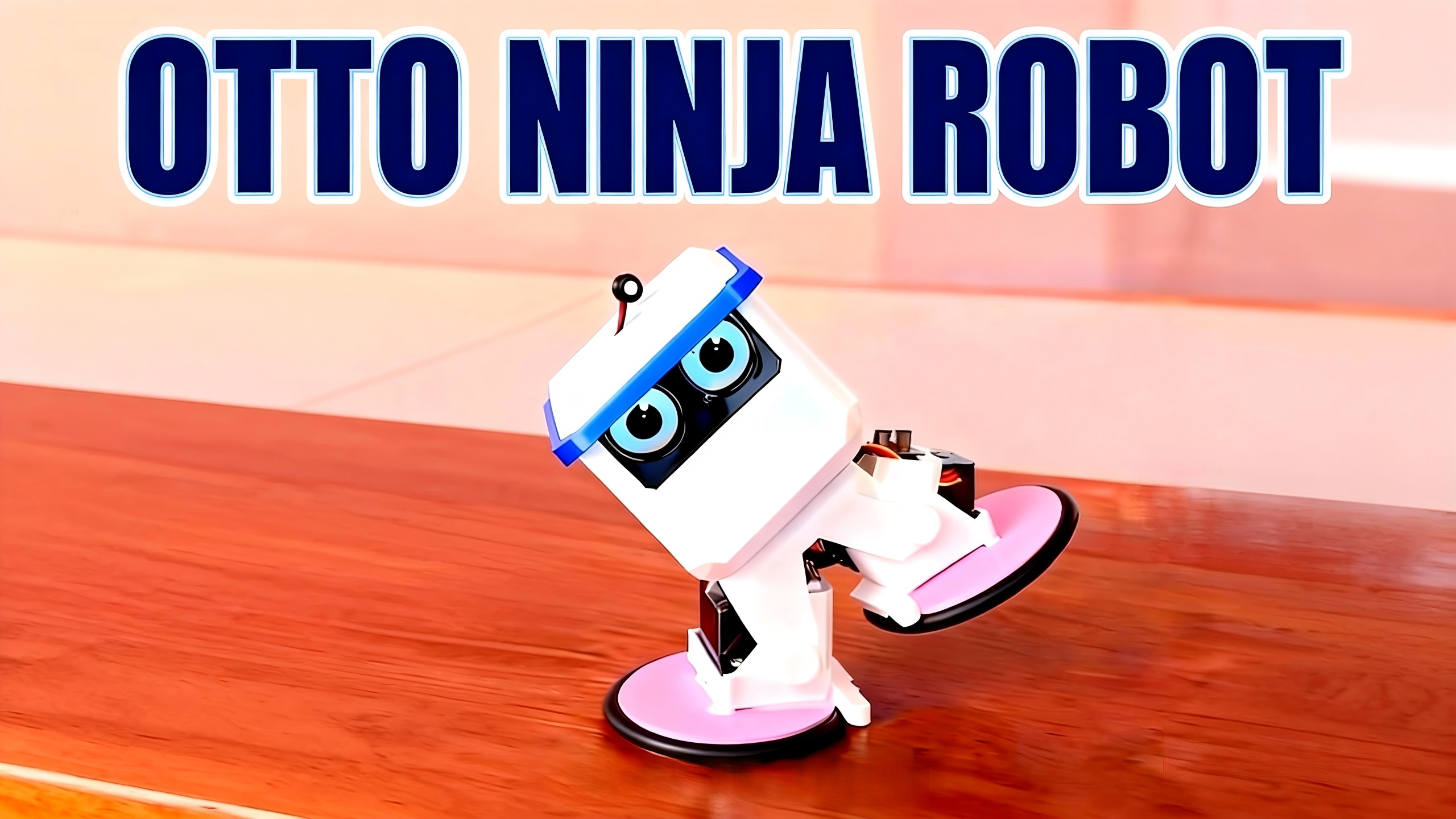
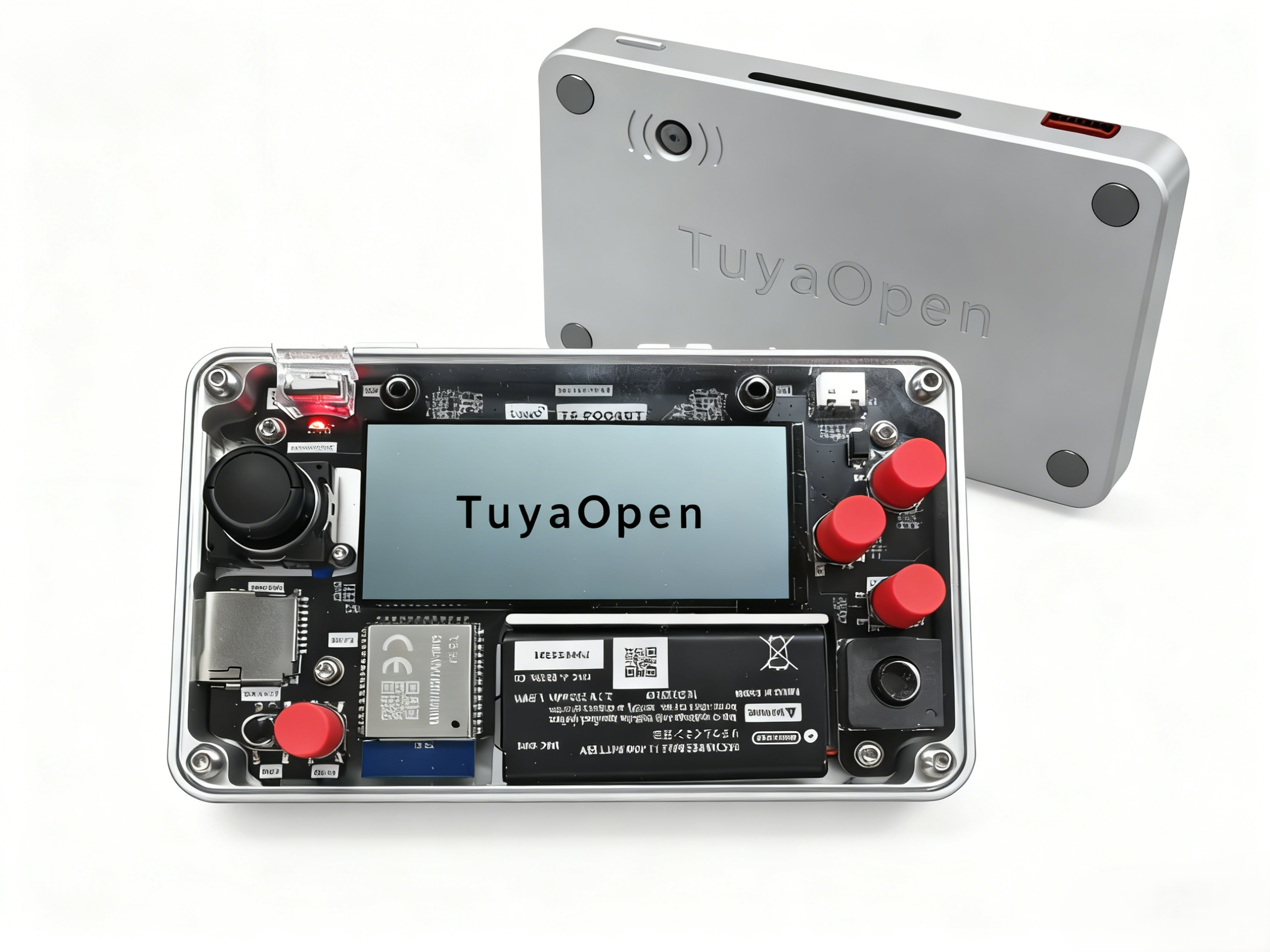
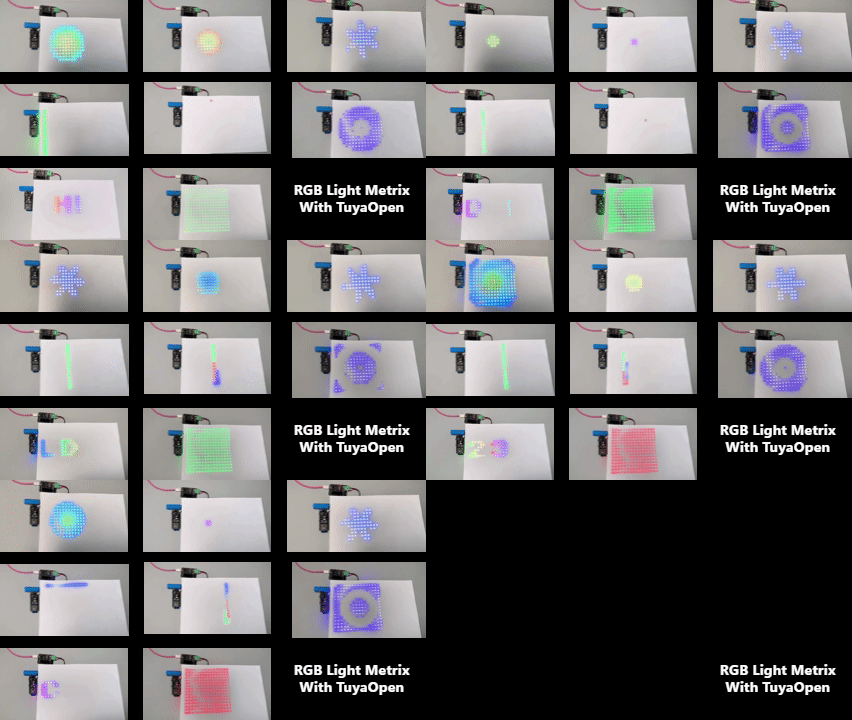
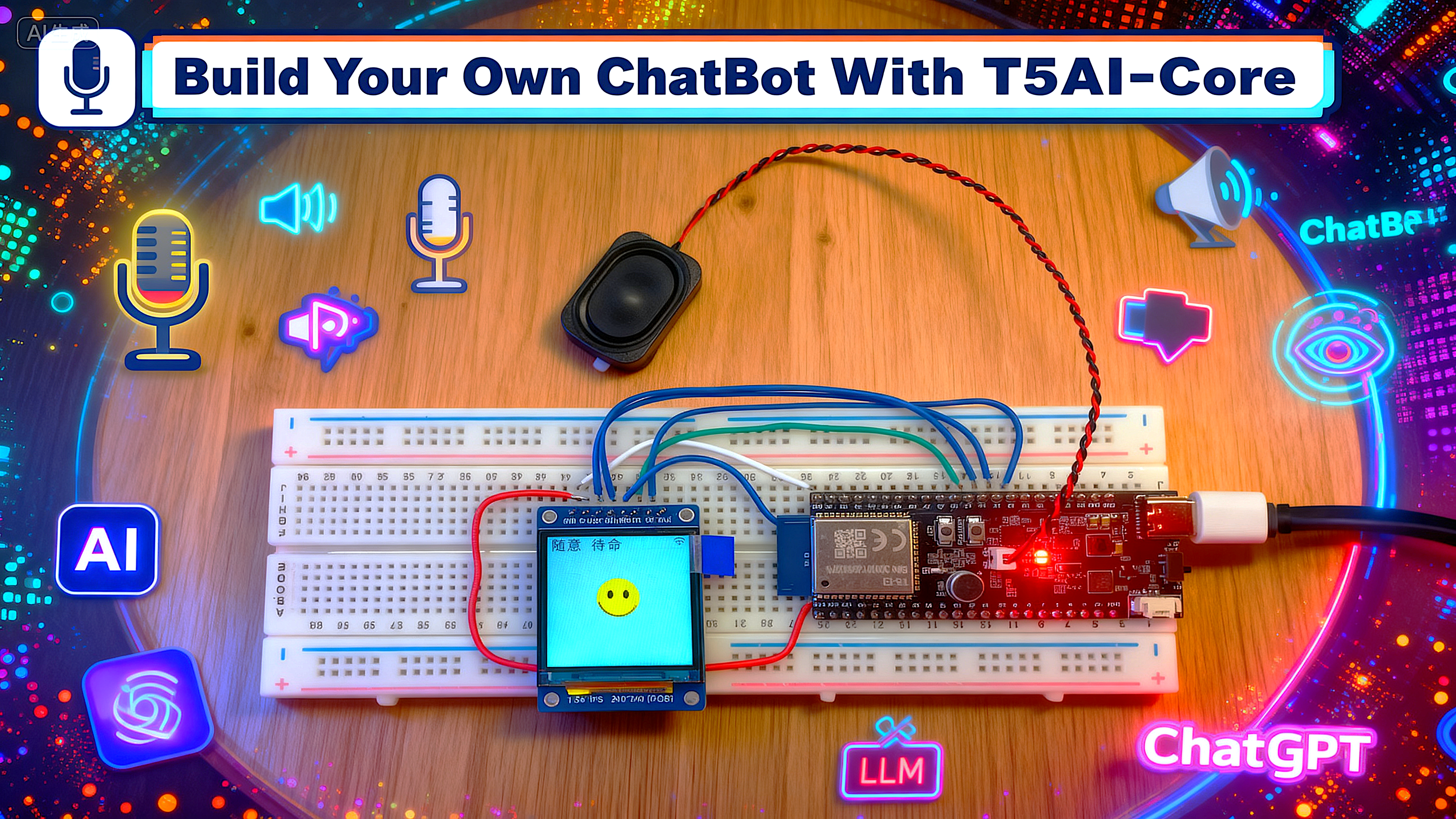
22 guidesProjects built by the TuyaOpen community — robots, wearables, edge AI, and more.

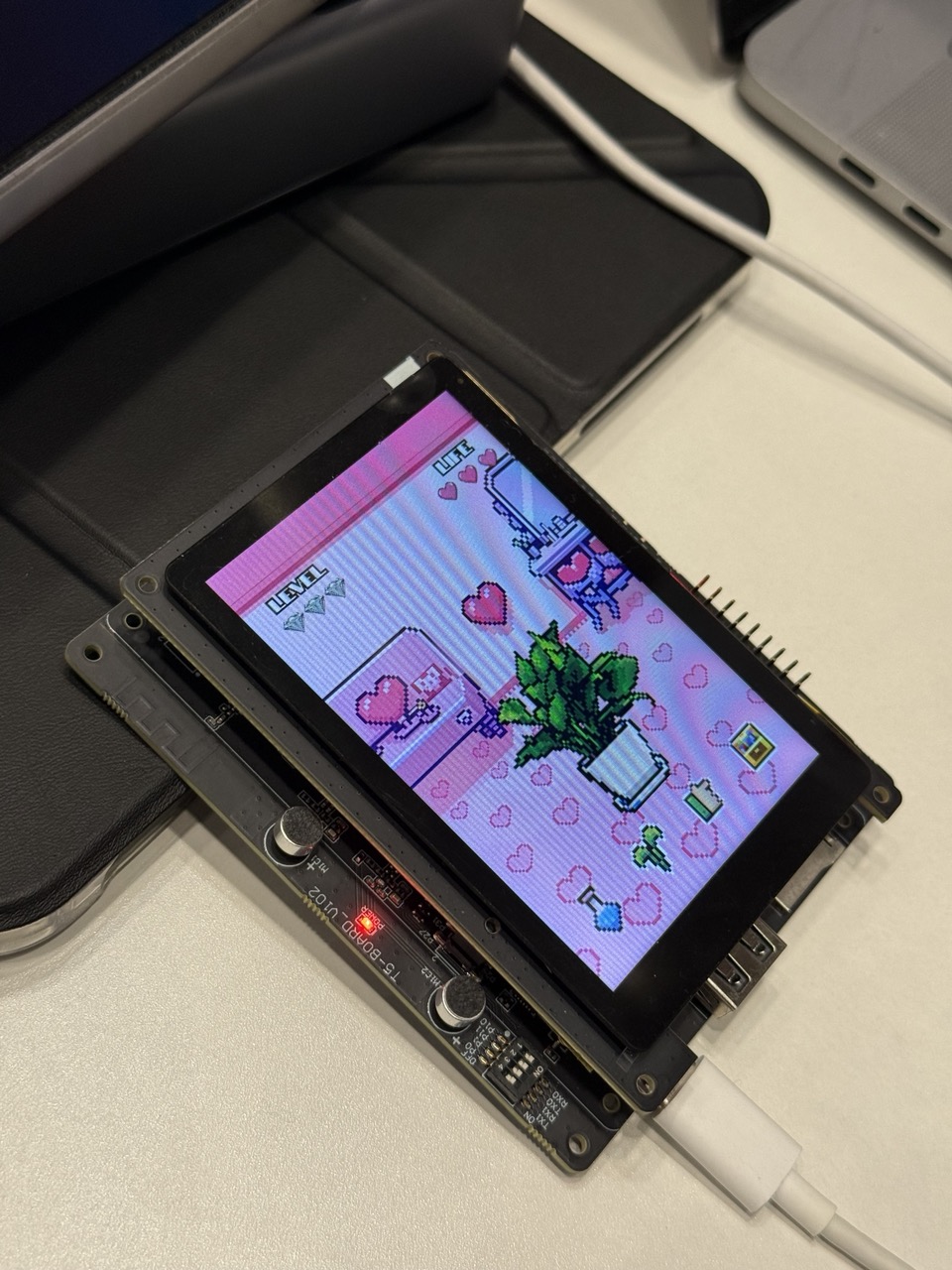
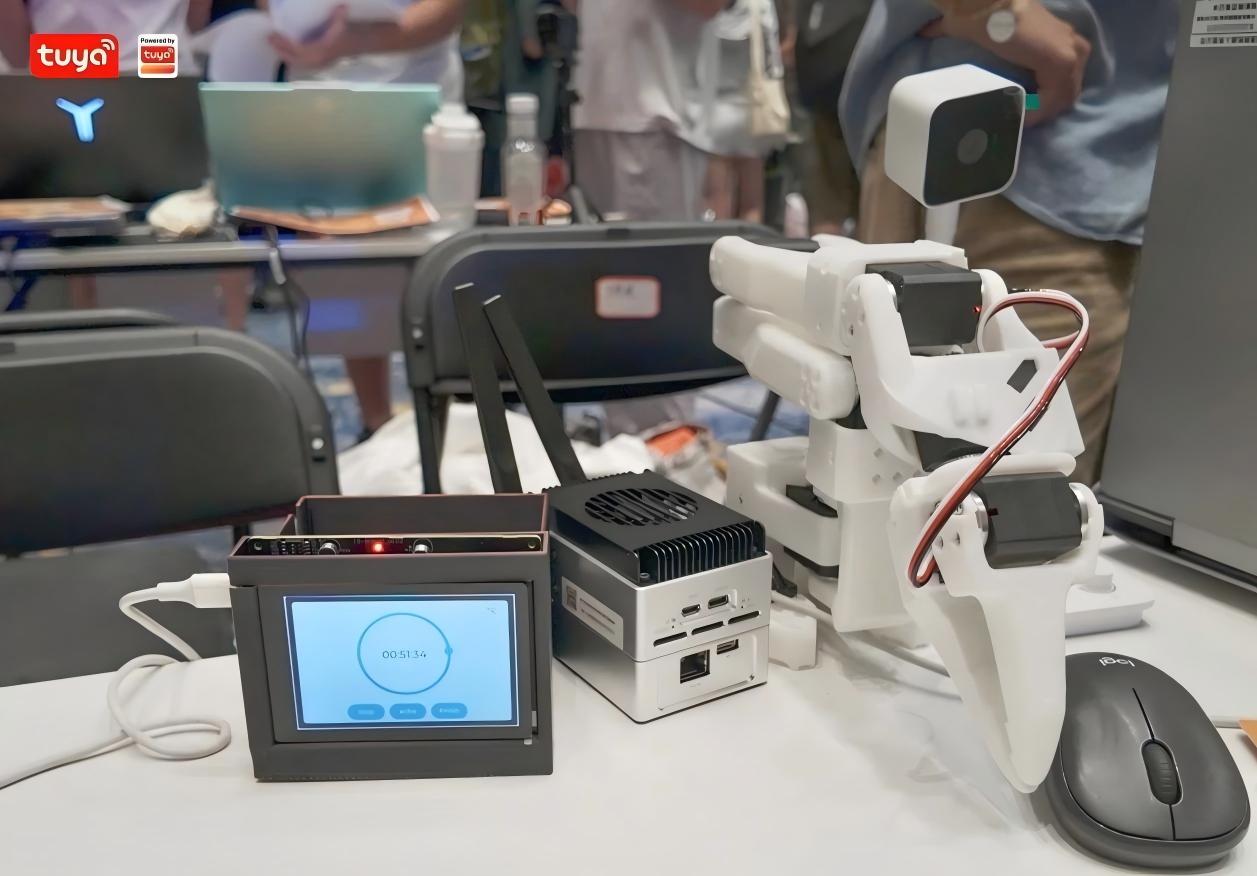
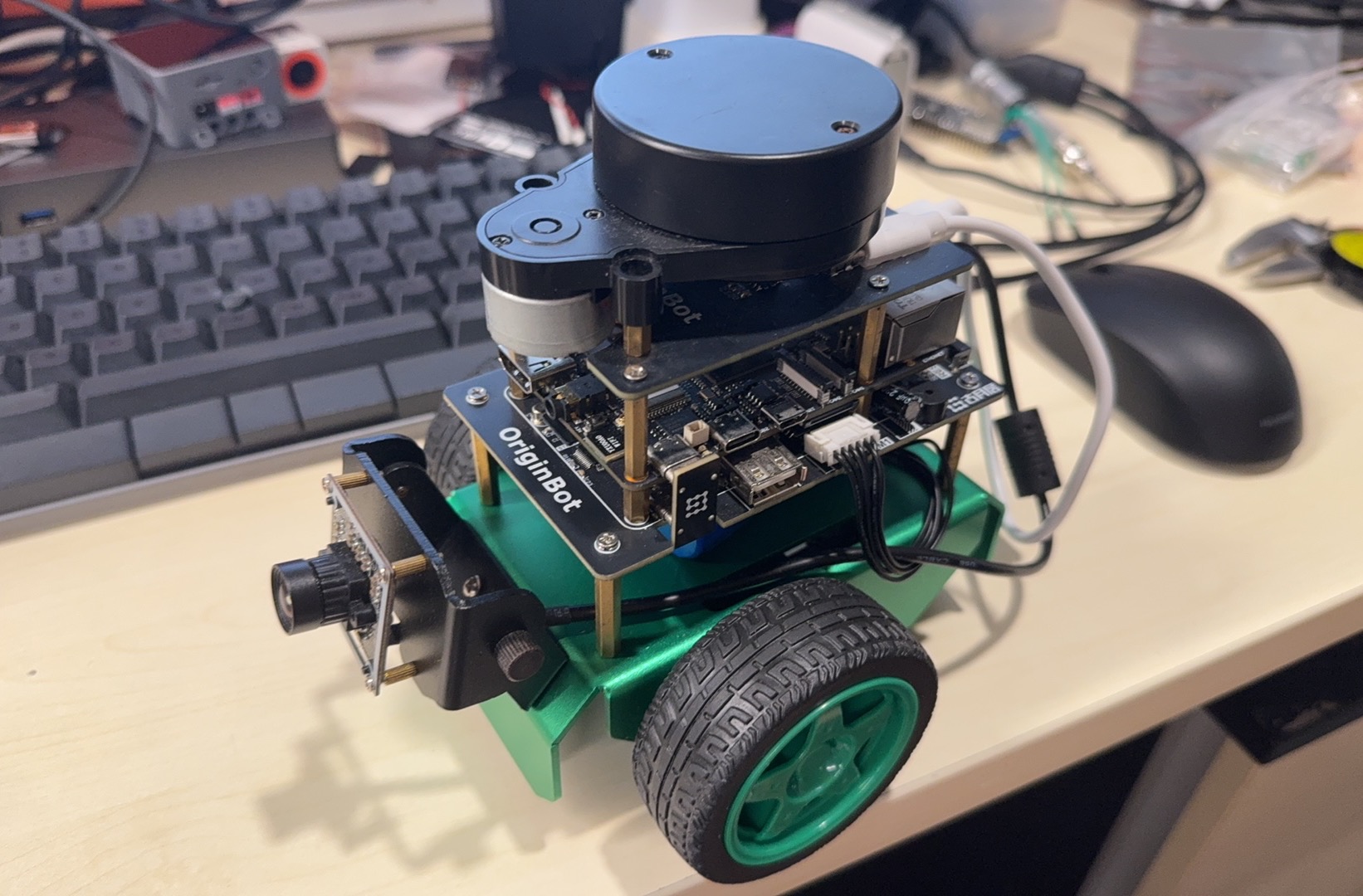
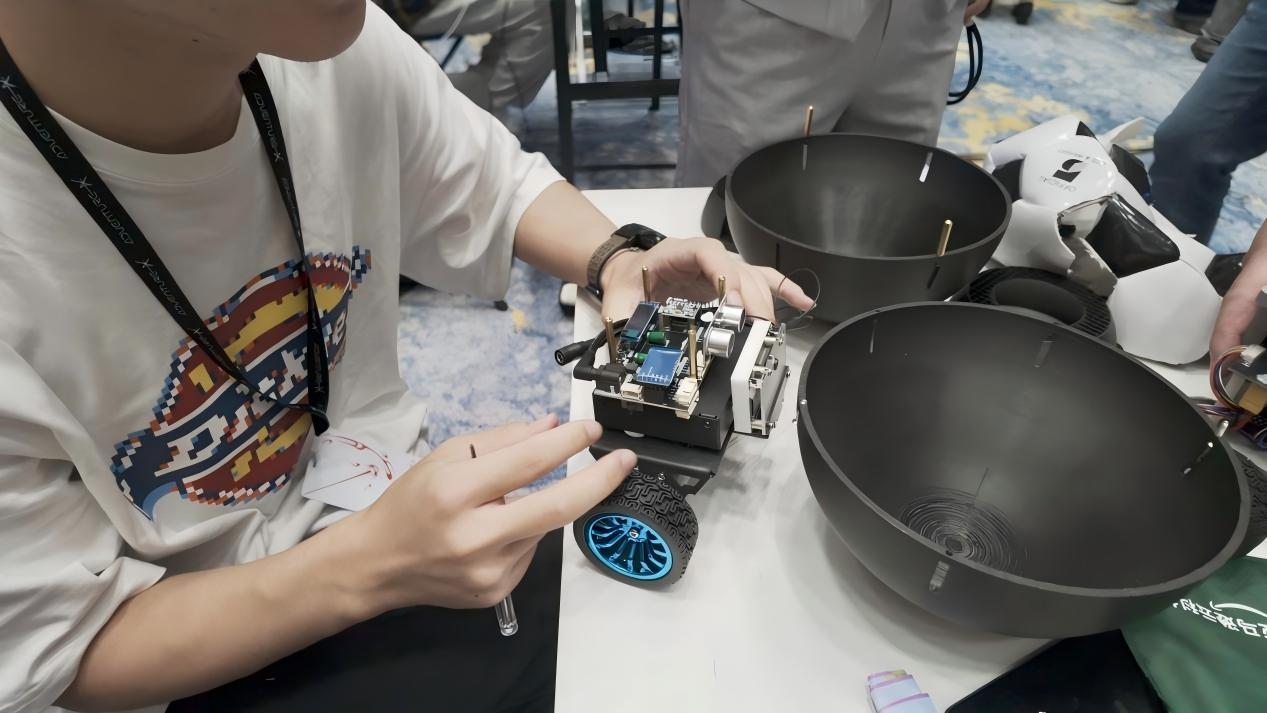
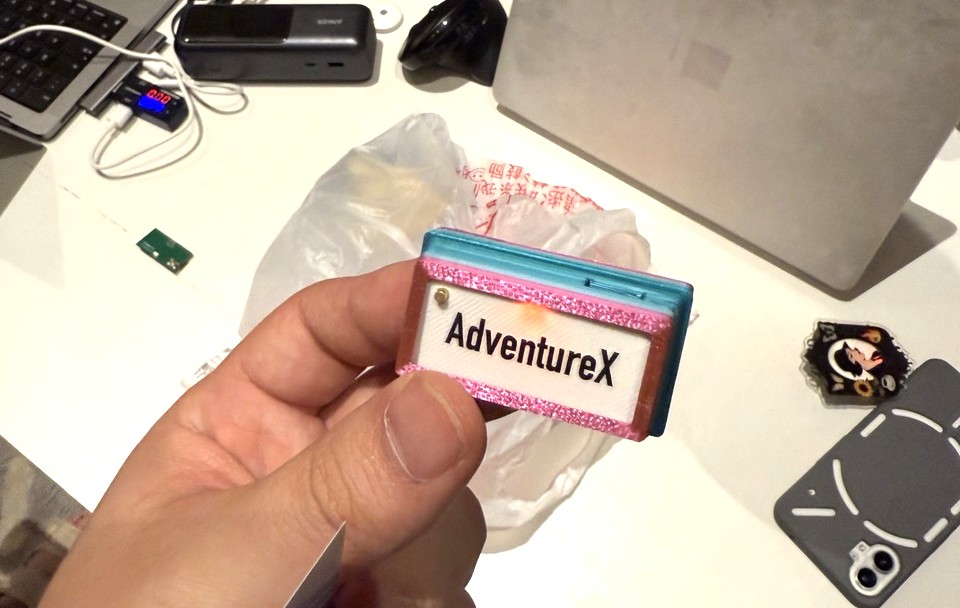
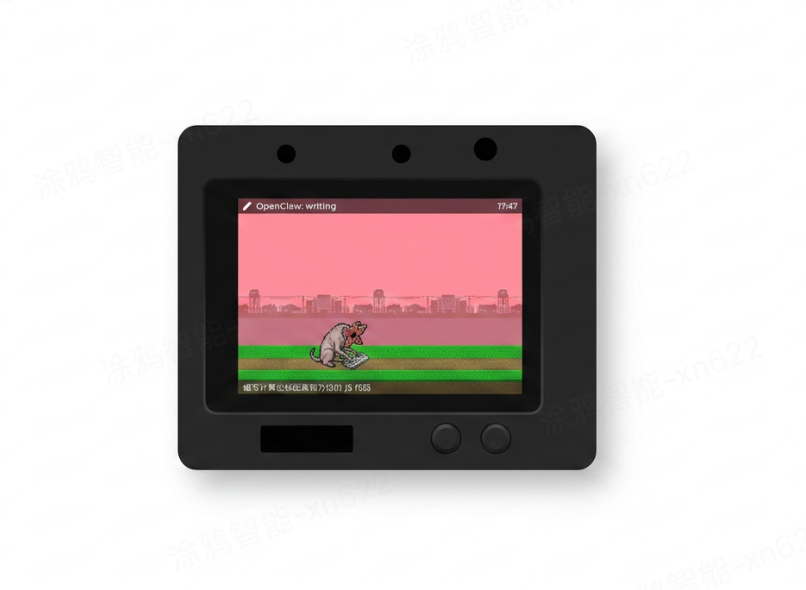
OpenClaw Desktop Pet
Pixel side-scroller on an embedded device whose characters react to OpenClaw server status over TCP/MQTT. — by 王劣劣
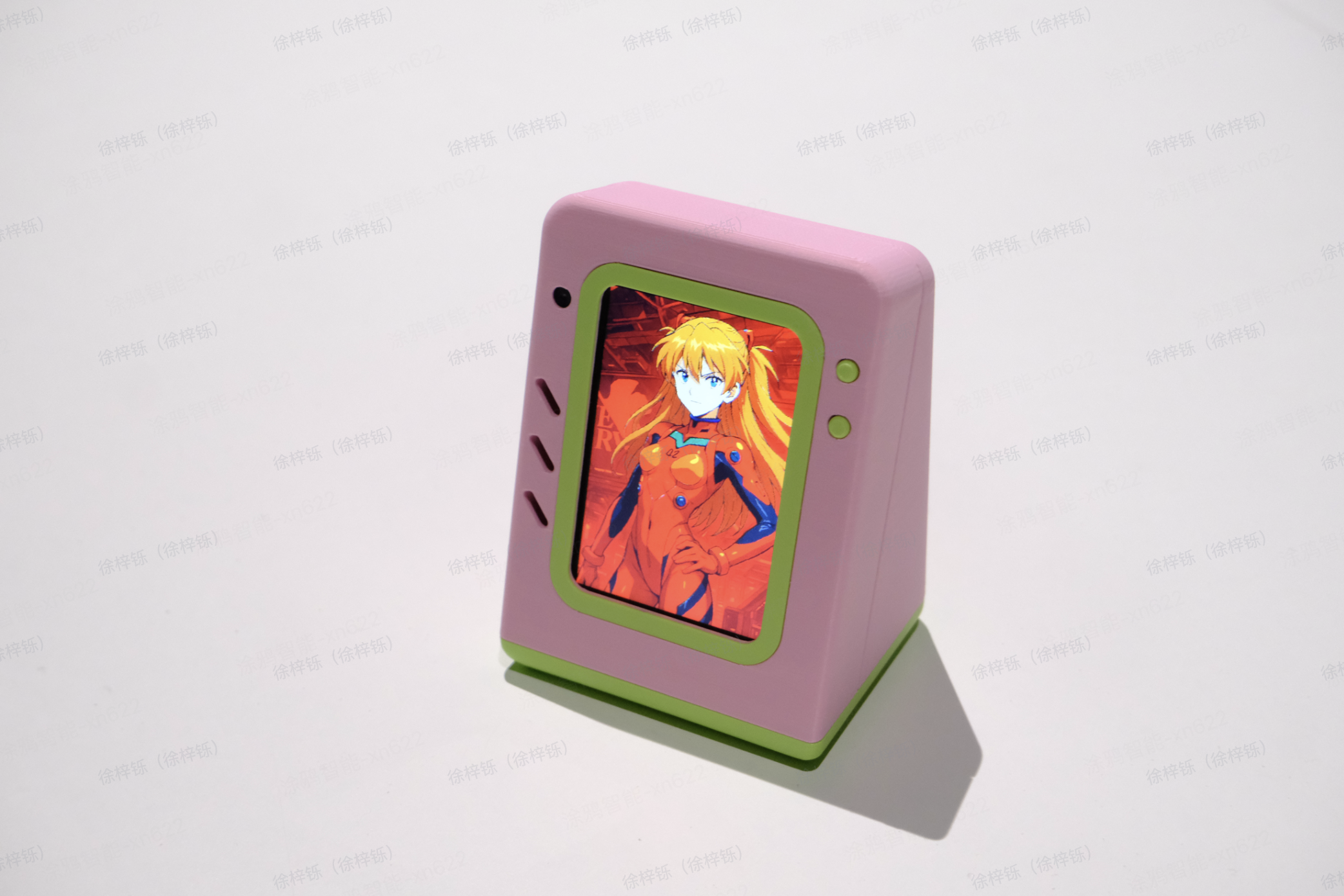
Verdure Buddy Desktop Ornament
A desktop ornament on the Tuya T5 board running a full DuckyClaw. — by 绿荫阿广
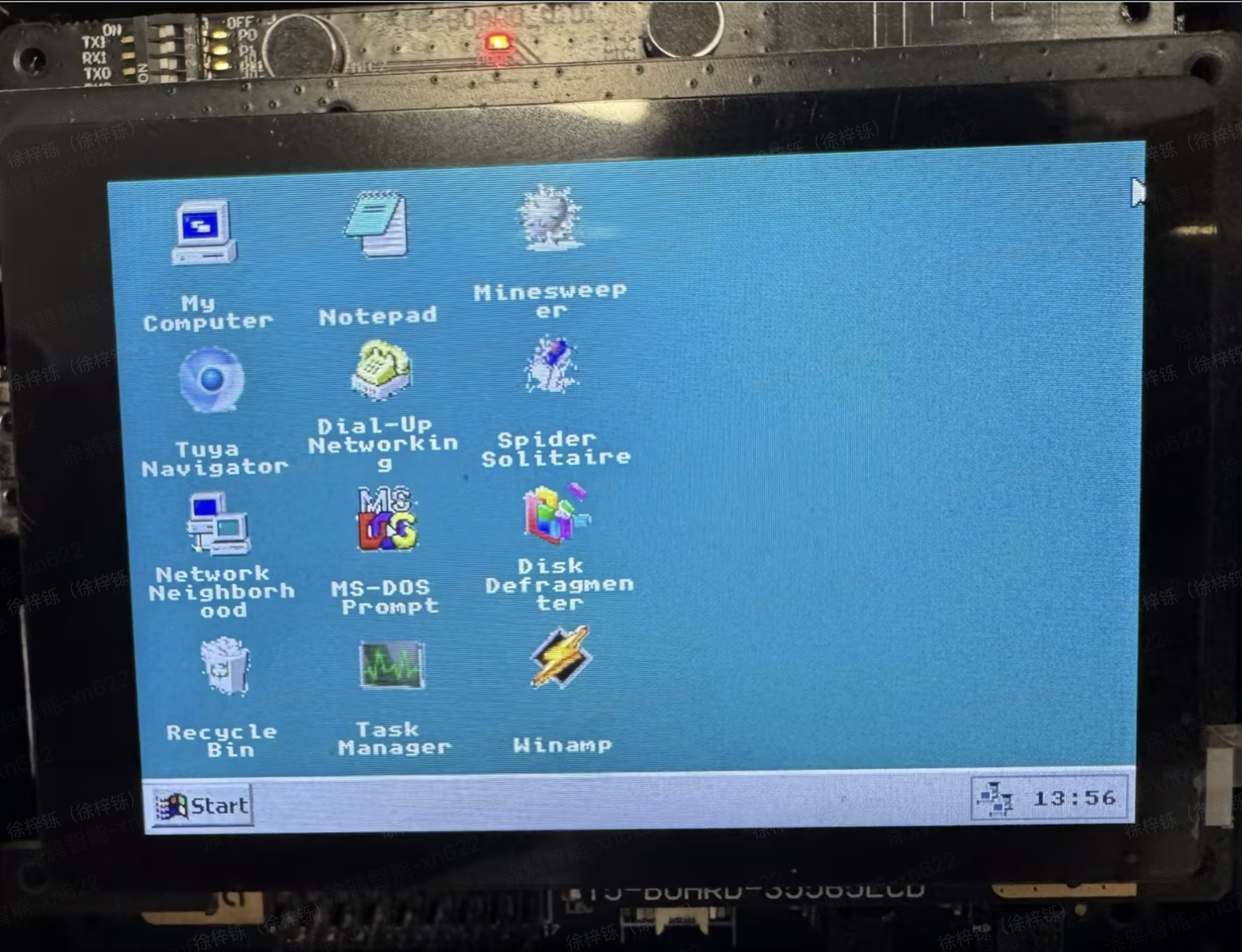
Win95-style OS on T5
A Windows 95-style embedded desktop simulator on the TuyaOpen T5 AI board. — by 福杰
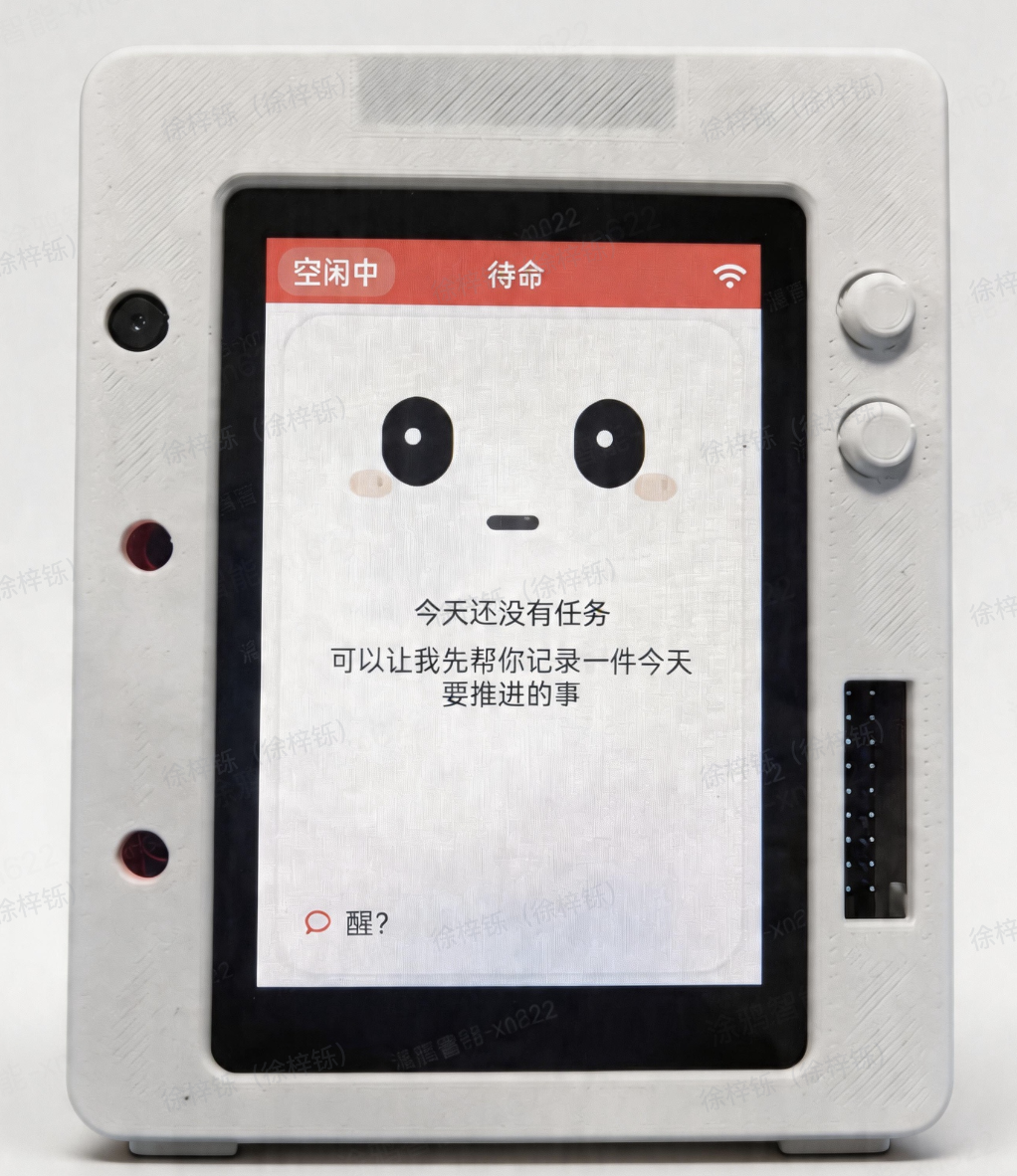
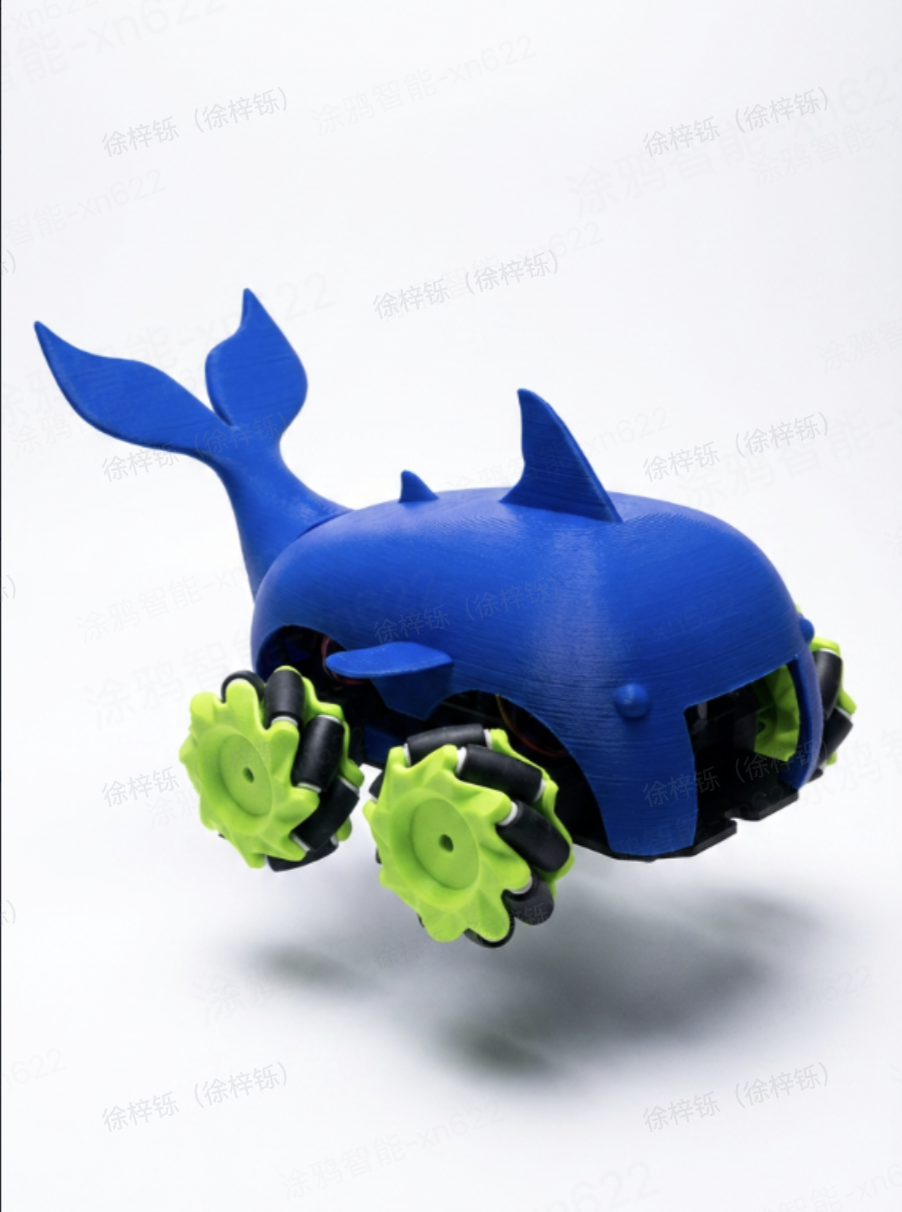
DuckyClaw Voice-Controlled Smart Car
Voice-control an ESP32 smart car from a Tuya T5 AI board — the AI parses natural language and sends HTTP commands to drive. — by 贾献华
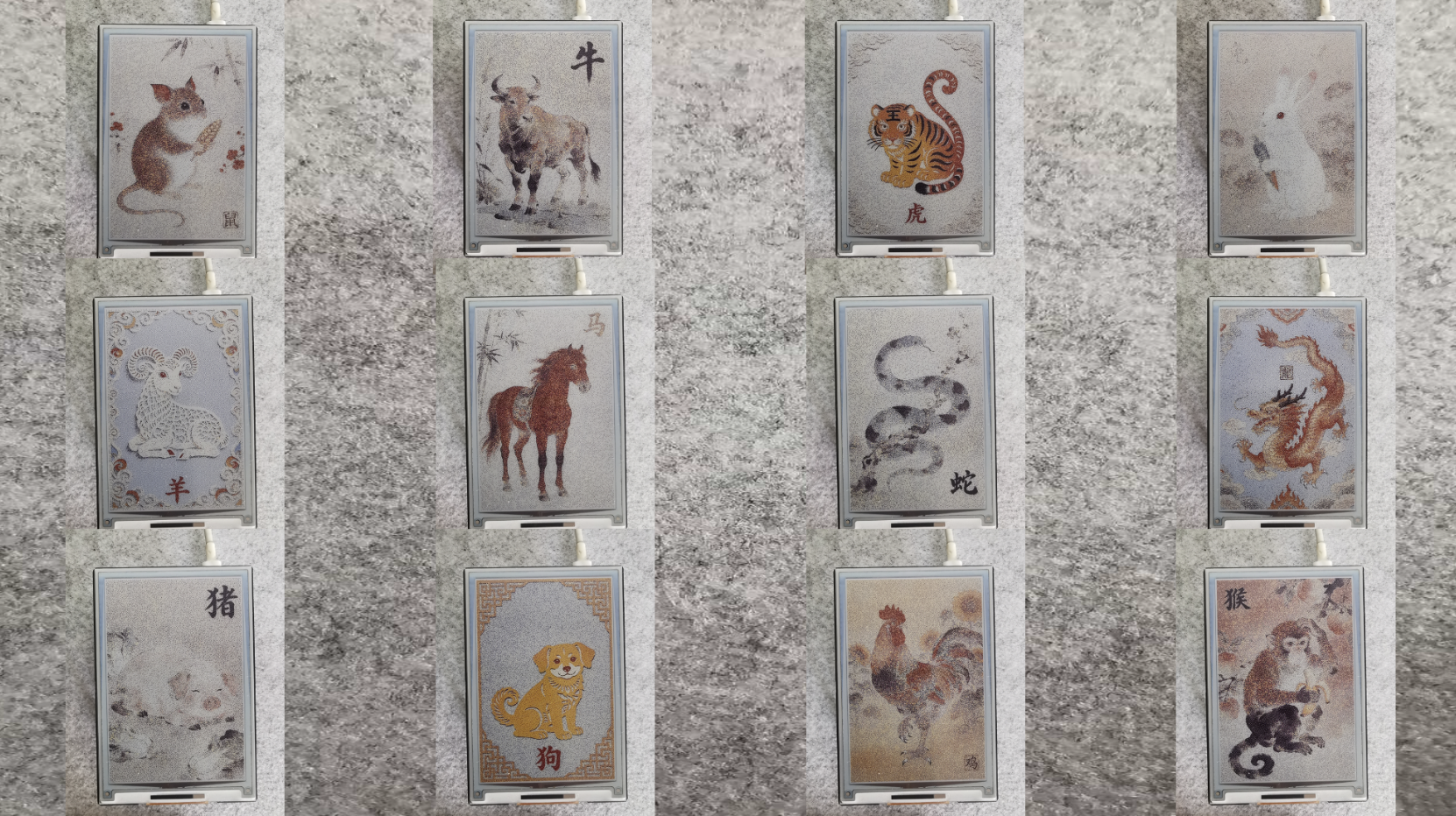
E-Paper Reader on T5AI-Board
An e-paper reader with SD-card browsing, text/image viewing, orientation switch, and NTP — paper-like static display. — by 贾献华